Dock Profiles, Built for Your Workflow
Create multiple Dock profiles and switch between them in a click. One Dock for coding, another for design, another for music — you decide.
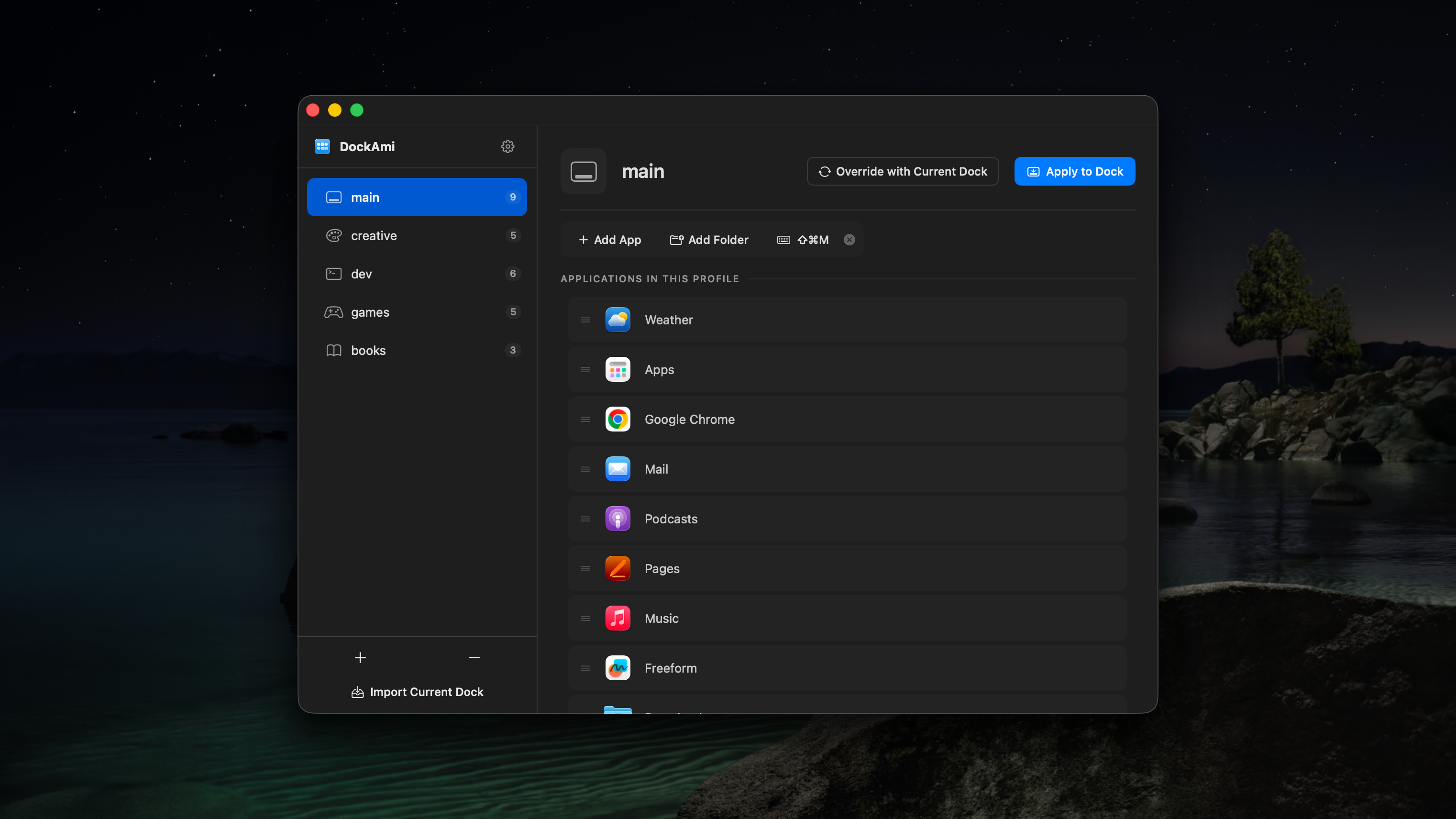
Meet DockAmi
The Dock management tool designed to keep you focused and productive.
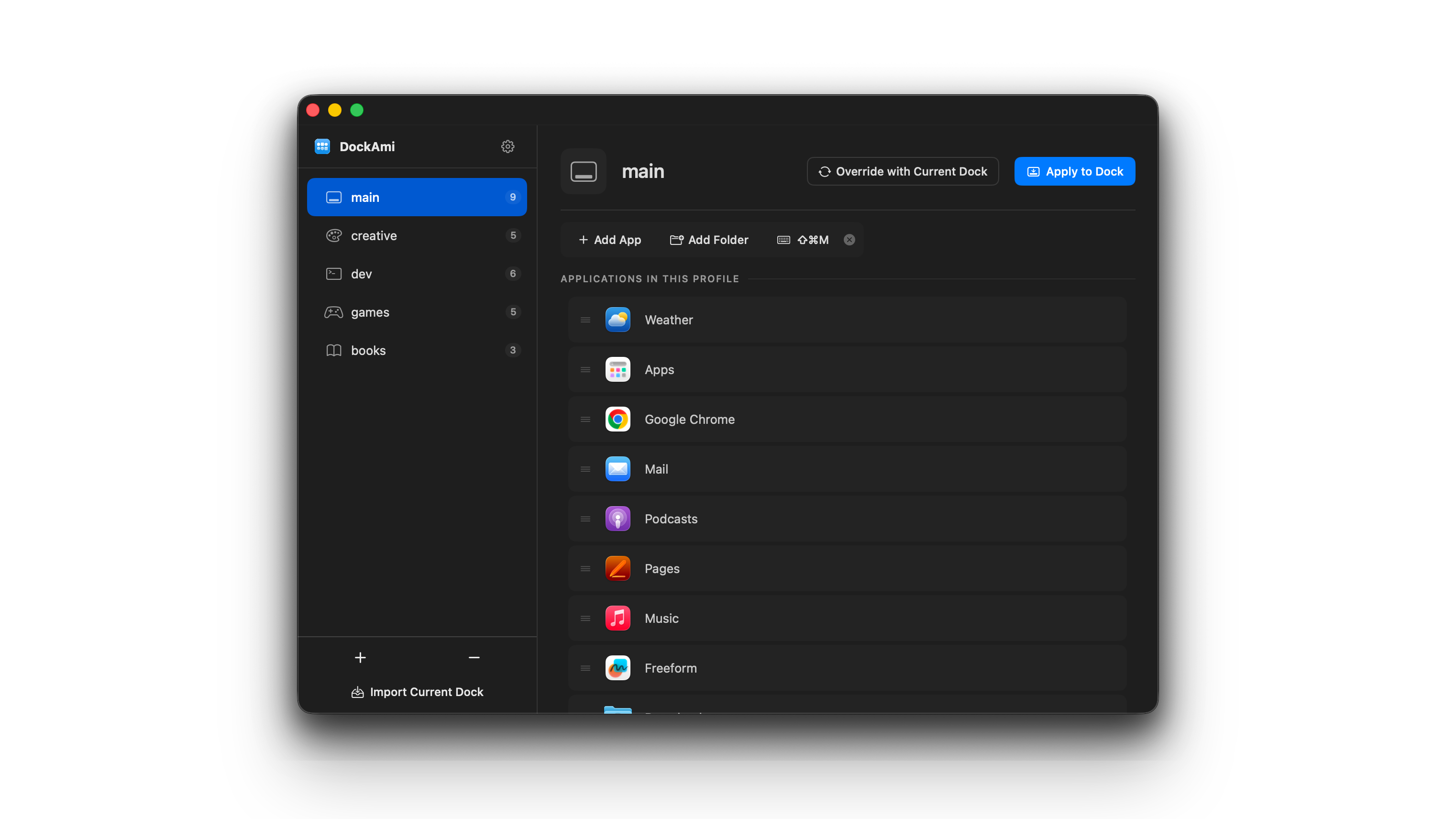
See it in action
Watch how DockAmi switches your entire Dock layout in seconds.
Features at a glance
Everything you need to take full control of your Dock.
Unlimited profiles
Create a dedicated Dock layout for every workflow
One-click switching
Switch your entire Dock layout instantly
Keyboard shortcuts
Assign global hotkeys to switch profiles hands-free
Hide distracting apps
Keep your Dock clean without removing anything
Launch at login
Your preferred Dock is ready the moment you start
Export & import
Migrate your profiles to a new Mac in seconds
Multiple languages
Localized for users worldwide
Shortcuts & URL schemes
Integrate with Apple Shortcuts and automation tools
Powerful CLI
Full command-line control for scripting and automation
Everything you need
Powerful features to make your Dock work the way you want it to.
Dock Profiles
Create multiple Dock configurations for different workflows. One for coding, one for design, one for music — switch in a click.
Keyboard Shortcuts
Assign a global keyboard shortcut to each profile. Switch your Dock without ever touching the mouse.
Customize Profile
Add apps, folders, and fine-tune each profile to match exactly how you work.
CLI Tool
Automate Dock switching from the command line. Perfect for scripting, automation, and power-user workflows.
How it works
Three simple steps to a smarter Dock.
Create
Set up your Dock exactly the way you like it, then save it as a profile.
Switch
Use the menu bar, keyboard shortcut, or CLI to switch between your saved profiles instantly.
Done
Your Dock instantly updates. No restart, no lag — just the apps you need, right now.
Simple pricing
Try free for 3 days, then buy once — own it forever.
Free Trial
Try everything before you buy.
- Full functionality
- 3-day free trial
- No credit card required
Licence for 2 devices
Perfect for personal use.
- Activate on up to 2 Macs
- Free updates
- One-time payment
Licence for 5 devices
For teams or multiple setups.
- Activate on up to 5 Macs
- Free updates
- One-time payment
Get DockAmi
Download and start customizing your Dock in seconds.
Requires macOS 14.0 (Sonoma) or later
Or install with Homebrew
$ brew tap codefrontapps/tap && brew install --cask dockamiSystem Requirements
OS
macOS 14.0+
Architecture
Apple Silicon
Size
~5 MB